




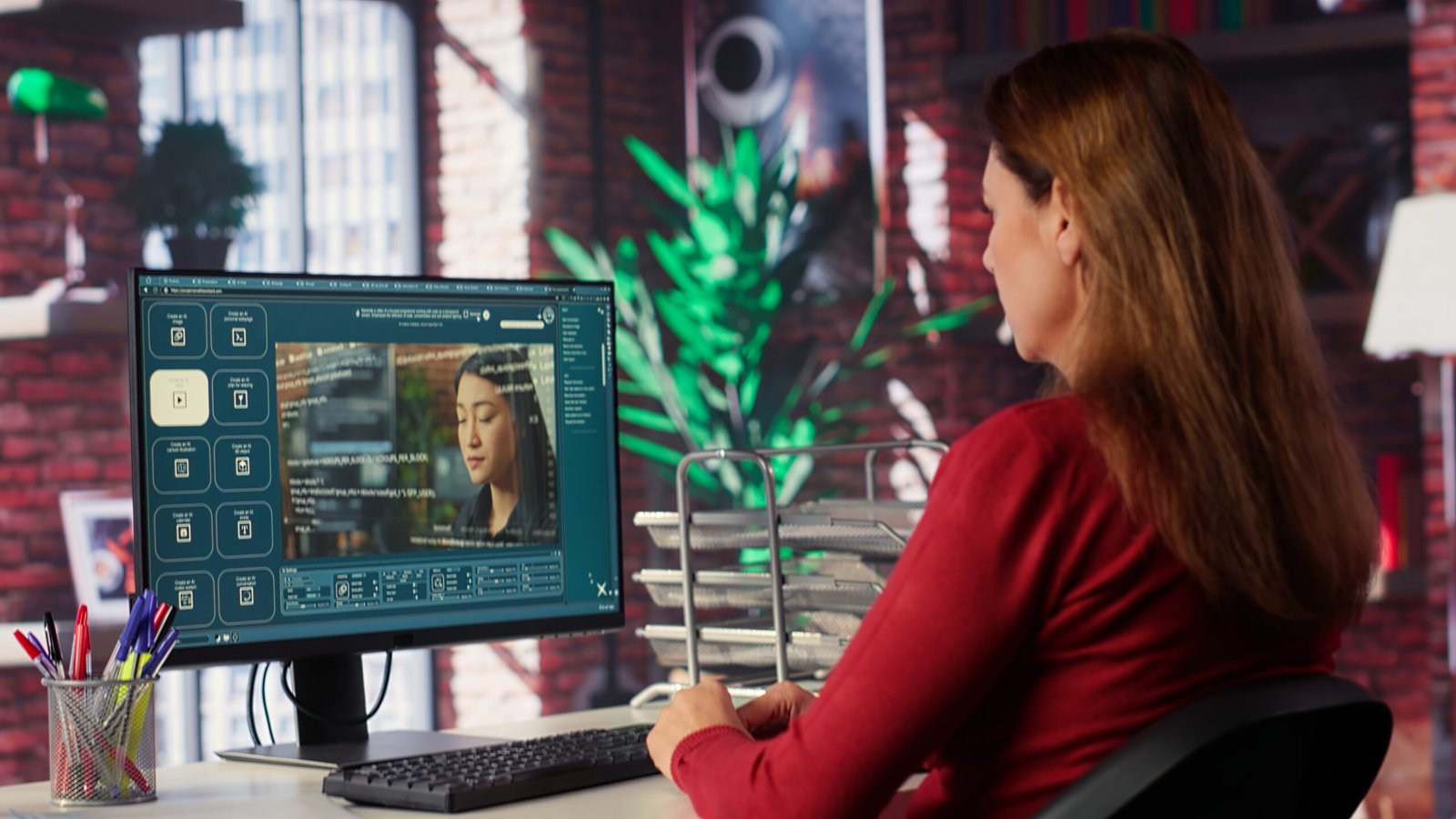
An image, a camera move, and a piece of music can all describe the same idea in different ways. That is the appeal of multi-material video creation: a business can communicate what a scene should look and feel like without putting every detail into a long paragraph. On seedance 3.0, the homepage presents this approach through images, video references, and audio, alongside text-based scene descriptions.
The useful change is not simply the ability to upload more files. It is the ability to distinguish their purposes. A product photograph might establish the subject. A short reference clip might illustrate the desired camera movement. An audio track might suggest the pace. Treating those inputs as separate instructions makes a creative brief easier for people to understand too.
For a small business commissioning visual content, this can make the difference between a vague request and a discussable idea. “Make it premium” leaves plenty of room for interpretation. A reference image showing soft light, a measured movement towards the subject, and a calm soundtrack communicate a much more specific direction.
The photograph answers: what are we looking at?
A clear reference photograph gives a scene a visual starting point. It can establish a colour palette, the arrangement of objects, the outline of a character, or the identity of a product. These details are difficult to describe economically in text. A picture can carry them together, leaving the written brief free to explain what happens next.
Imagine a fictional tea brand developing a short seasonal clip. Its reference image shows a cup on a pale table beside a window. The written instruction describes a gentle movement towards the cup as steam rises. The image defines the composition; the text supplies the action. Neither has to do the entire job.
This is also a useful way to reduce conflicting instructions. If a reference picture shows a bright morning scene, asking for a dark nightclub atmosphere changes the assignment substantially. That may be intentional, but the team should recognise the choice. A reference works best when everyone knows which features should be retained and which may change.
The movement reference answers: how should the viewer experience it?
Camera movement changes how a subject feels. A slow approach invites attention to a detail. A sideways move reveals an arrangement. A wide shot followed by a closer view can establish context before focusing on the product. These are creative decisions, not just technical settings.
A movement reference is particularly useful when several people use different words for the same effect. One person may say “cinematic” while another imagines dramatic cuts. Showing an example of the intended pace helps resolve that ambiguity. The reference need not supply the final subject or setting; it can communicate only the movement.
In a planning meeting, it helps to state this explicitly: “Use this for camera direction, not for the objects in the frame.” Separating those roles prevents an otherwise unrelated sample from quietly redefining the whole concept. It also keeps discussions focused on the element the team actually needs to decide.
Audio answers: what should the scene feel like over time?
Sound adds another dimension to a brief. A quiet ambient track can suggest space and restraint. A pronounced beat can suggest a more energetic rhythm. For a promotional sequence, these choices influence how movement and transitions feel, even before any final captions or narration are added.
Audio should have a defined purpose too. Is it a rhythm reference, background atmosphere, or material intended for the finished video? Those are different assignments. An original recording owned by the business is easier to manage than an unidentified track copied from a social feed. The production brief should record what the team is authorised to use.
Available input combinations depend on the selected model and mode. The practical starting point is a scene that benefits from the supported references, rather than an assumption that every setting accepts every kind of file. Keep the first concept compact enough that its visual and audio choices can be judged together.
A shared brief becomes easier to revise
Once each reference has a job, feedback can become more precise. “Keep the subject and lighting, but slow the camera” is an actionable note. “Make the whole thing better” is not. A team exploring ideas in Seedance can organise its feedback around subject, movement, atmosphere, and message, instead of rewriting the entire concept after every review.
This approach also helps when a generated concept moves into conventional production. A photographer or editor can understand the intention behind each reference. The moving draft becomes a conversation aid: it shows what the team has agreed and identifies what still needs interpretation.
There is a useful distinction between visual exploration and factual demonstration. A generated scene can communicate a mood or a creative direction, while a product demonstration may require recorded evidence of the real item working. Choose the format according to the claim being made, and check product details before any public release.
The strongest brief is not the one with the largest folder of references. It is the one where each input contributes something necessary. A subject image, an intentional movement, and a suitable rhythm can give a modest idea enough clarity to develop into a coherent video.