




No — you do not need a gaming PC to start creating 3D assets. Browser-based AI generation handles the heavy first step online, so a basic laptop is enough to produce, compare and review early models; stronger hardware only becomes necessary for dense scenes, sculpting, animation and local rendering.” The freelance-designer scene works as the second paragraph.
A freelance designer opens an aging laptop at a shared workspace. It handles email, browser tabs and basic image editing without difficulty, but it was never purchased for 3D production. There is no dedicated graphics card, the cooling system becomes noisy under pressure, and the screen is considerably smaller than the displays found in a professional studio.
The designer nevertheless needs to create a stylised delivery robot for a client presentation.
A few years ago, the hardware would have made the answer simple: wait until a more powerful computer becomes available or ask a specialist to build the model. AI-assisted and browser-based creation tools have changed that calculation.
A lightweight laptop still cannot replace a workstation for every part of 3D production. It may struggle with complex scenes, high-resolution sculpting, animation and local rendering. What it can do is help a creator move from an idea to a model, review different directions and prepare an asset for more detailed work.
The question is no longer whether a basic laptop can do everything. It is whether it can do enough to move the project forward.
3D Creation Is No Longer a Single Hardware-Heavy Task
Traditional 3D production places much of the workload on the user’s own computer. The machine must calculate geometry, display materials, update lighting and keep increasingly complex scenes responsive.
AI-assisted creation divides the process differently.
The first model can be generated through an online platform rather than calculated entirely by the laptop. The local computer is mainly used to describe the idea, upload references, review results and manage files. This reduces the importance of having powerful graphics hardware during the earliest stage.
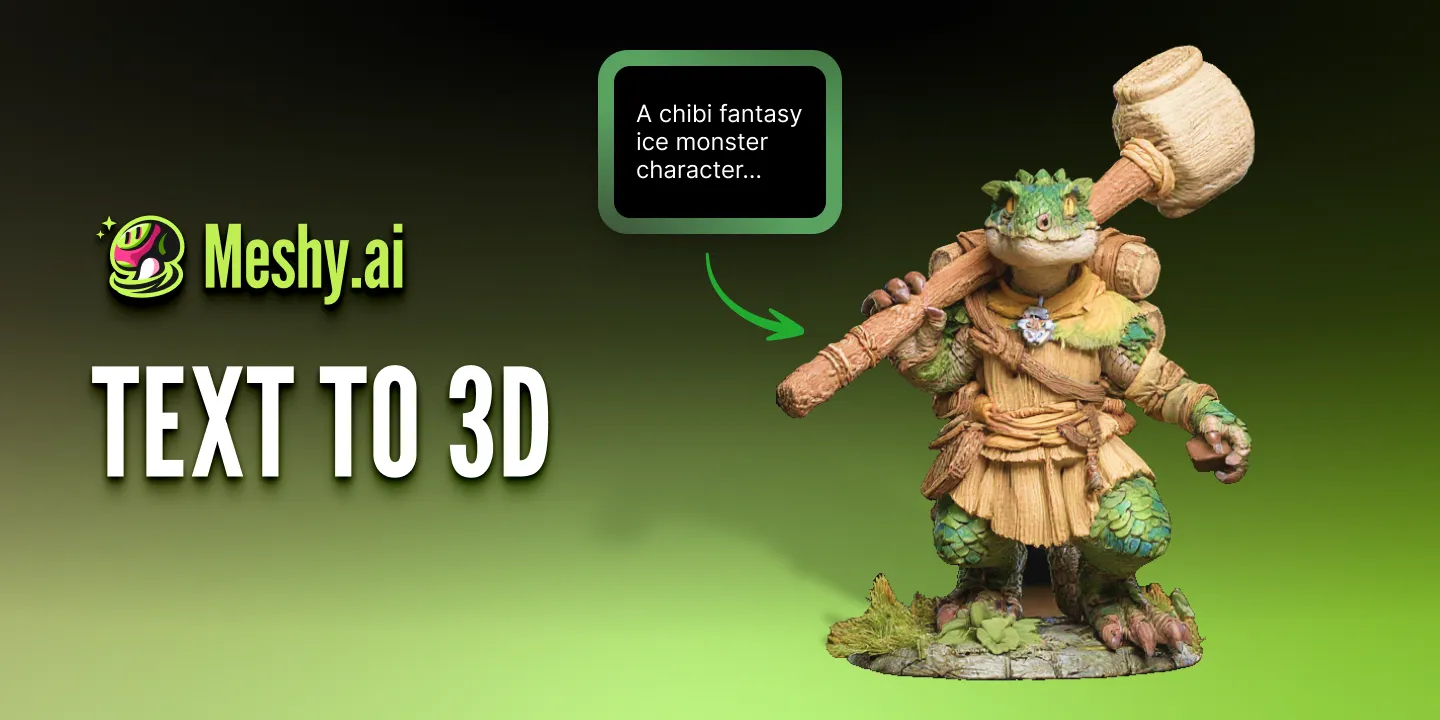
A platform such as Meshy AI can generate textured 3D assets from written descriptions or visual references. The Text to 3D feature runs directly in the browser, with no software installation required.
This does not make hardware irrelevant. It changes the point at which hardware becomes the main limitation.
The First Question Is What Kind of 3D Work You Need to Do
“Creating a 3D model” can describe several very different activities.
A marketing designer may only need an object for a product mock-up. An indie developer may need a background prop for a prototype. A character artist may need clean topology, facial controls and complex animation. An engineer may need exact dimensions and reliable assemblies.
These projects should not be given the same hardware recommendation.
A basic laptop can be a reasonable starting device when the work centres on concept exploration, simple assets and visual presentation. It becomes less suitable when the project depends on dense scenes, precision editing or repeated real-time simulation.
The model’s final purpose matters more than whether it technically belongs to the category of “3D.”
What a Basic Laptop Can Handle More Comfortably
A lightweight laptop is particularly useful while the project is still being defined.
The creator can write a design brief, collect reference images and compare several possible directions. Once an early model exists, it can be rotated in a browser viewer and discussed with a client or collaborator.
This is often enough to answer the first important questions. Does the shape fit the brief? Is the silhouette recognizable? Does the object look too heavy or too generic? Which variation deserves further development?
For relatively simple assets, the same laptop may also support limited editing in suitable software. A creator might correct the scale, remove an unwanted component, adjust a material or prepare a basic render. The experience will depend on the complexity of the model and the efficiency of the chosen application, but not every project requires a cinematic production environment.
A basic computer becomes much more useful when the scope remains controlled.
Where the Hardware Limit Becomes Obvious
Problems begin when the creator asks the laptop to keep too much information active at once.
A dense model with large textures may make the viewport slow and unstable. Adding several detailed characters, environmental objects and complex lighting can quickly consume available memory. Local rendering may keep the processor or graphics hardware under heavy load for long periods, causing heat, noise and poor battery life.
Character production introduces additional demands. The artist may need to inspect topology closely, correct joint areas, prepare a skeleton and test how the model deforms during movement. Although simple tests may still be possible, detailed animation work becomes far more comfortable on a stronger machine.
The same applies to large game-engine scenes, high-resolution sculpting, simulations and professional visualization. These tasks depend not only on generating the first model, but on manipulating and calculating large amounts of data continuously.
AI can reduce the cost of beginning the asset. It does not remove the cost of finishing a technically demanding one.
A More Useful Hardware Comparison
| Device | Best suited to | Likely limitations |
| Basic lightweight laptop | Ideas, AI generation, reference preparation, model review and simple assets | Dense editing, large textures, animation and local rendering |
| Performance laptop | Moderate modeling, game assets, texture work and smaller production scenes | Heat, battery use and very large projects |
| Desktop workstation | Complex scenes, animation, simulation, high-resolution work and regular rendering | Higher cost and less portability |
This is not a ranking of creative ability. It is a division of workload.
A person using a modest laptop may develop a stronger concept than someone using an expensive workstation. The workstation simply provides more room for technical complexity once the project demands it.
A Realistic Laptop-First Project
Consider the designer creating the delivery robot.
Instead of opening a traditional modeling program and starting with an empty scene, the designer writes a description of the object: a friendly urban delivery robot with a low body, four compact wheels, a front display and a secure storage compartment.
A text to 3D tool can turn that description into several initial models. The designer compares the versions on the laptop and chooses one with a clear silhouette and practical proportions.
The first result is not presented to the client immediately. The designer notices that the storage compartment is too small and that one version resembles a toy rather than a working device. The description is refined, and a stronger direction is selected.
At this point, the laptop has already completed valuable work. It has helped transform an abstract request into a visible object and allowed the designer to reject weaker ideas before detailed production begins.
For the presentation, the model may only need light material adjustments and a few controlled viewing angles. If the client later approves the robot for animation or product development, the asset can move to a more powerful workstation and a more specialised workflow.
The device used at the start does not have to be the device used at the finish.
Browser Workflows Still Have Their Own Demands
Moving generation online does not mean the experience has no technical requirements.
A stable internet connection becomes more important. Uploading references, loading 3D previews and downloading several versions may also consume more data than ordinary web browsing.
The browser itself can become a bottleneck when too many tabs and applications are open. A laptop with limited memory may feel slow even when the 3D generation is happening remotely, because the machine is still managing the browser, model viewer, reference images and other applications.
Storage also matters. Generated assets, textures, exported versions and working files can accumulate quickly. Keeping every experiment in the downloads folder makes projects difficult to manage and fills the drive with files that may never be used.
A lighter workflow still benefits from disciplined file organisation.
Do Not Judge the Model Only on the Laptop Screen
A smaller display can hide problems.
Texture seams, distorted geometry and weak material details may be difficult to notice until the model is viewed on a larger monitor. Colours can also appear different across devices, particularly when the final asset will be used in marketing materials.
For this reason, the laptop can support selection and early review, but important public-facing assets should still be checked in their real destination.
A game asset should be tested through the intended gameplay camera. A product model should be reviewed inside the planned website or advertisement. A printable object should be checked at its actual dimensions rather than approved only as an attractive screen preview.
The relevant question is not whether the model looks good inside the generation interface. It is whether it works where the audience will encounter it.
Should You Upgrade the Computer or Change the Workflow?
When a project becomes slow, buying a new device is not always the first solution.
The scene may contain unnecessary geometry or textures that are much larger than the final output requires. Too many applications may be running simultaneously. The team may also be trying to refine ten generated versions instead of selecting one and discarding the rest.
Improving the workflow can sometimes recover more performance than a minor hardware upgrade.
However, repeated technical limits should not be ignored. If animation, rendering or engine integration is part of everyday work, a stronger machine can save significant production time. Hardware investment becomes easier to justify when the same limitation appears across many projects rather than during one experimental asset.
The best decision comes from identifying the actual bottleneck.
Who Can Benefit Most from This Approach?
A laptop-first workflow is especially practical for students, freelancers, indie developers, digital marketers and creators who need to explore 3D ideas without immediately building a full studio setup.
It allows them to test whether 3D fits their work before investing in expensive hardware. A marketer can create an early promotional object, a game developer can replace a placeholder with a more descriptive prop, and a designer can present several forms before the client approves detailed production.
This approach is less suitable when accuracy and complexity are required from the beginning. Engineering models, highly controlled product designs and animation-ready hero characters still benefit from specialised software, stronger hardware and professional review.
Frequently Asked Questions
Can AI 3D tools work on a laptop without a dedicated graphics card?
Browser-based generation can reduce reliance on the laptop’s local graphics hardware during the generation stage. Performance will still depend on the browser, available memory, internet connection and the complexity of later editing.
How much memory is needed for basic AI-assisted 3D work?
There is no single requirement for every project. Generating and reviewing simple models is less demanding than editing large scenes or high-resolution textures. More available memory helps when several browser tabs and creative applications are open together.
Can models generated on a basic laptop be used professionally?
Yes, provided the model is reviewed and prepared for its intended use. Professional suitability depends on quality, accuracy, licensing and technical preparation rather than the price of the device used to begin the project.
When is a desktop workstation still necessary?
A workstation becomes valuable when the creator regularly handles complex animation, simulation, dense environments, high-resolution sculpting, local rendering or other workloads that require sustained performance.
Start with the Computer You Have
A professional workstation can make demanding 3D production faster and more comfortable, but it is no longer the only doorway into 3D creation.
A modest laptop can help a creator define an idea, produce an early model, compare directions and prepare a project for the next stage. That may be enough to validate a concept, win client approval or decide whether the asset deserves further investment.
The most important change is not that low-powered devices can suddenly complete every 3D task. It is that the distance between having an idea and seeing its first three-dimensional form has become much shorter.